Blackjack games optimized for VR headsets focus on three essentials: readable tables, low-friction controls, and comfort-first performance. When these elements work together, the headset feels invisible, decisions stay about blackjack mechanics, and longer entertainment sessions become easier to manage safely and comfortably.
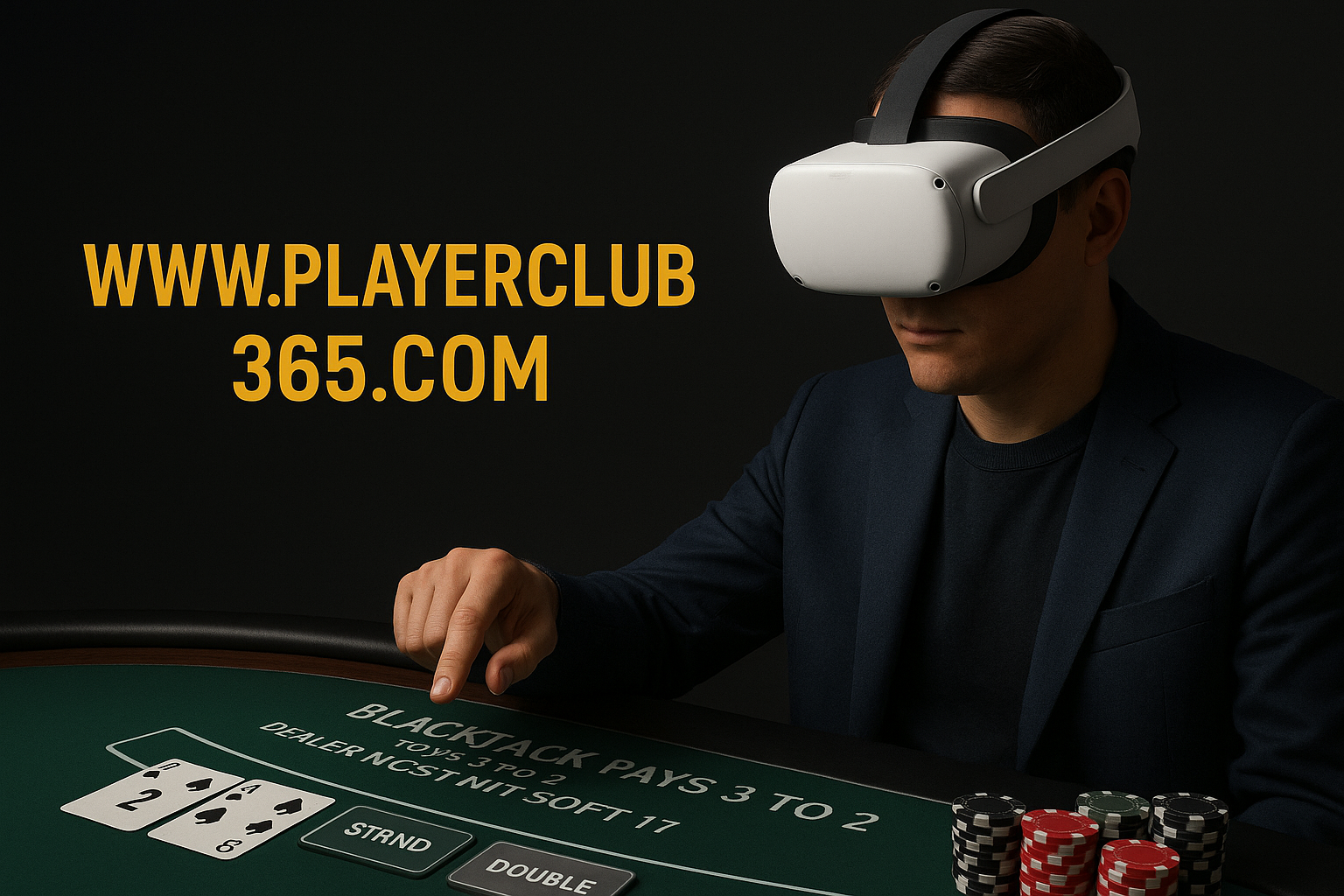
Blackjack games optimized for VR headsets: what to test first
Blackjack games optimized for VR headsets should let you read totals at a glance, act with one clear input, and remain comfortable over time. Test frame pacing, seated calibration, text clarity, and rule visibility before committing to longer sessions so you can concentrate on strategy instead of fighting the interface.
Begin by browsing a focused set of VR-suitable blackjack titles and variants, then compare how each handles core VR constraints: controller or hand-tracking input, legible table layouts, and stable performance when scenes get busy or social features are active. Use the organized PlayerClub365.com catalog as a neutral starting point for this assessment.
Key VR UX markers in blackjack
- Interaction fidelity - Hit, stand, double, and split should be mapped to intuitive, low-error inputs such as single button presses or clear gesture zones.
- State clarity - Hand totals, soft or hard labels, dealer upcard, and available actions must remain visible without leaning or turning your head excessively.
- Comfort-centric design - Support seated play, adjustable table height, and minimal forced camera movement to reduce motion sickness risk.
- Disciplined audio - Spatial audio can increase presence, but excessive volume, reverb, or constant alerts can be tiring during longer sessions.
- Error tolerance - Irreversible actions should prompt confirmations, and any allowed reversals need clearly defined boundaries in the rules.
Comparing VR-ready blackjack libraries on PlayerClub365
Library strength is about variety and usability, not only the number of titles. Look for different rule sets, table speeds, and accessibility options, along with predictable interface patterns across games. Consistent layouts reduce the learning curve when you try multiple blackjack tables in VR.
The categorized index at PlayerClub365 helps you isolate blackjack from other table options. Use the dedicated Blackjack category to identify suitable titles, then apply your own VR-readiness tests to check performance, text legibility, and controller mapping before longer sessions.
Quick VR-readiness checklist
- Stable frame pacing - Reduces discomfort and keeps reaction timing consistent.
- Legible text at default distance - Prevents eye strain and neck fatigue from leaning forward.
- Seated calibration - Ensures chips, cards, and action buttons stay within a natural reach zone.
- Controller remapping - Allows adaptation to different headsets and personal accessibility needs.
- Accessible rules and help - A clear in-headset rules panel limits misunderstandings about payouts and restrictions.
Rules literacy, odds, and safer VR sessions
Before investing time in VR blackjack, confirm mechanical details: deck count, whether the dealer hits or stands on soft 17, double and split rules, and any side bets. These factors influence house edge and decision-making and should be disclosed in an info panel you can open without leaving the virtual table.
Because immersion can amplify fatigue and impulsive choices, prioritize safety tools and self-regulation. Favor games that support easy pausing and exiting, clear comfort notices, and privacy-aware social options. Use timed breaks, stay seated when possible, and stop immediately if you notice nausea, eye strain, or overheating. Treated this way, blackjack games optimized for VR headsets remain entertainment-focused and more sustainable over time.
Explore Blackjack VR Options